Learn how to generate a common color palette from different textures.
When the following two textures exist.
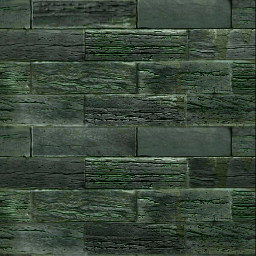
256x256 pixels, 20263 colors
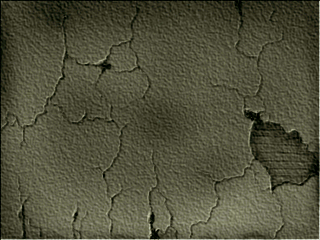
320x240 pixels, 8721 colors
[procedure]
- Rename the above texture file to be a continuous image file. (You can link with ln instead of cp.)
cp Tower.pic tex.1.pic
cp side_05.pic tex.2.pic - Select Sequence Active, Start = 1, End = 2, Step = 1, Palette Best option.
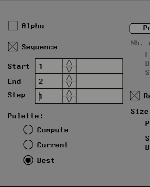
- Select Pal. Oper. → Generate.
- Specify the required number of colors. (Example: 16 colors)
- A common color palette is generated from different textures.
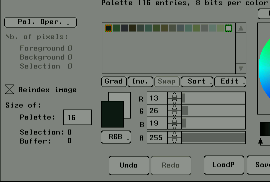
- Select Pal. Oper. → Apply dith. / Apply undith. And create a texture with a reduced number of colors based on the generated palette. (Selectable with or without dithering)
- Specify the save location and file name of the newly created texture file, and press the Save button under E. (Example: If the file name is out, it will be out.1.pic, out.2.pic, etc.)