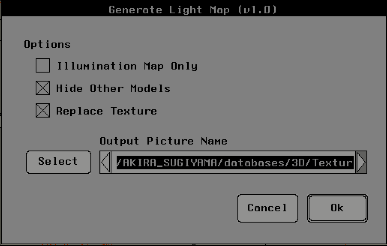
I will explain the functions related to prewriting textures.
- Prepare a model that maps lights to 2D local textures.
- Keep one of the windows in Schematic view (Matter mode). Later, click on the item in the 2D local texture.
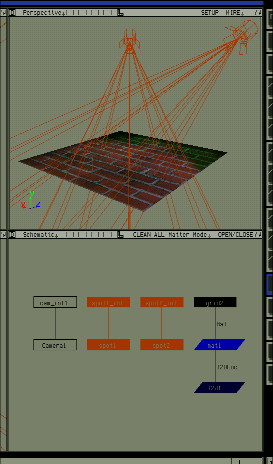
- Select Txt_Oper → Generate LightMap and click the 2D local texture item in the Schematic view. A dialog box opens. To replace the first mapped texture with the one after the light source calculation, turn on the Replace Texture option. If you only need lighting information, turn on the Illumination Map Only option.