Learn about Polygon Surface options.
[Example 1]
Texture size (X, Y) = (32,32) Pixel-mapped polygon side length = 1 Softimage unit
Pixels per Units = 25
Maximum Slice Size option is OFF
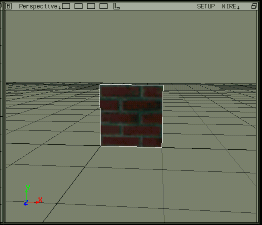
 Original texture: (X, Y) = (32,32) pixels
 Output texture: (X, Y) = (32,25) pixels
Since Pixels per Units is set to 25, it should output a texture of (25,25) pixels, but in Saturn, the X (horizontal) size of the texture must be a multiple of 8, so 32 pixels. Will be.
[Example 2]
Texture size (X, Y) = (32,32) Pixel-mapped polygon side length = 2 Softimage unit
Pixels per Units = 32
Maximum Slice Size option is OFF
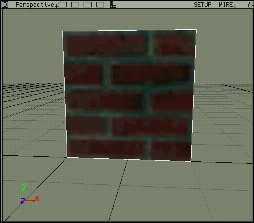 Original texture: (X, Y) = (32,32) pixels
 Output texture: (X, Y) = (64,64) pixels
Since the length of one side of this polygon is 2 SI units and Pixels per Units is set to 32, a texture of (64,64) pixels is output.
[Example 3]
Using the same data as in Example 2 above, set the Maximum Slice Size option to ON and (X, Y) = (32,32) to output.
 Output texture: (X, Y) = (32,32) pixels