 ★ Graphic Tools Guide ★ MAP / SCREEN Editor User's Manual
▲ Back | ■
MAP / SCREEN Editor User's Manual
■ Palette editing
- The Palette Edit window edits the palette data. When the character data is in palette mode (16 colors / 256 colors), it can be edited.
Specify the range with the rectangle selection tool and selection tool, and change the palette data.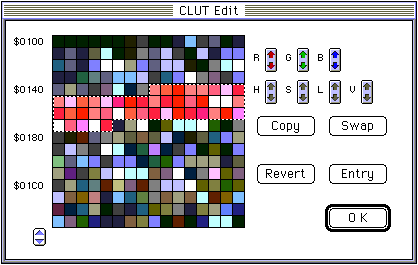
▲ Back | ■
★ Graphic Tools Guide ★ MAP / SCREEN Editor User's Manual
Copyright SEGA ENTERPRISES, LTD., 1997